EZ77 APP RESOURCE

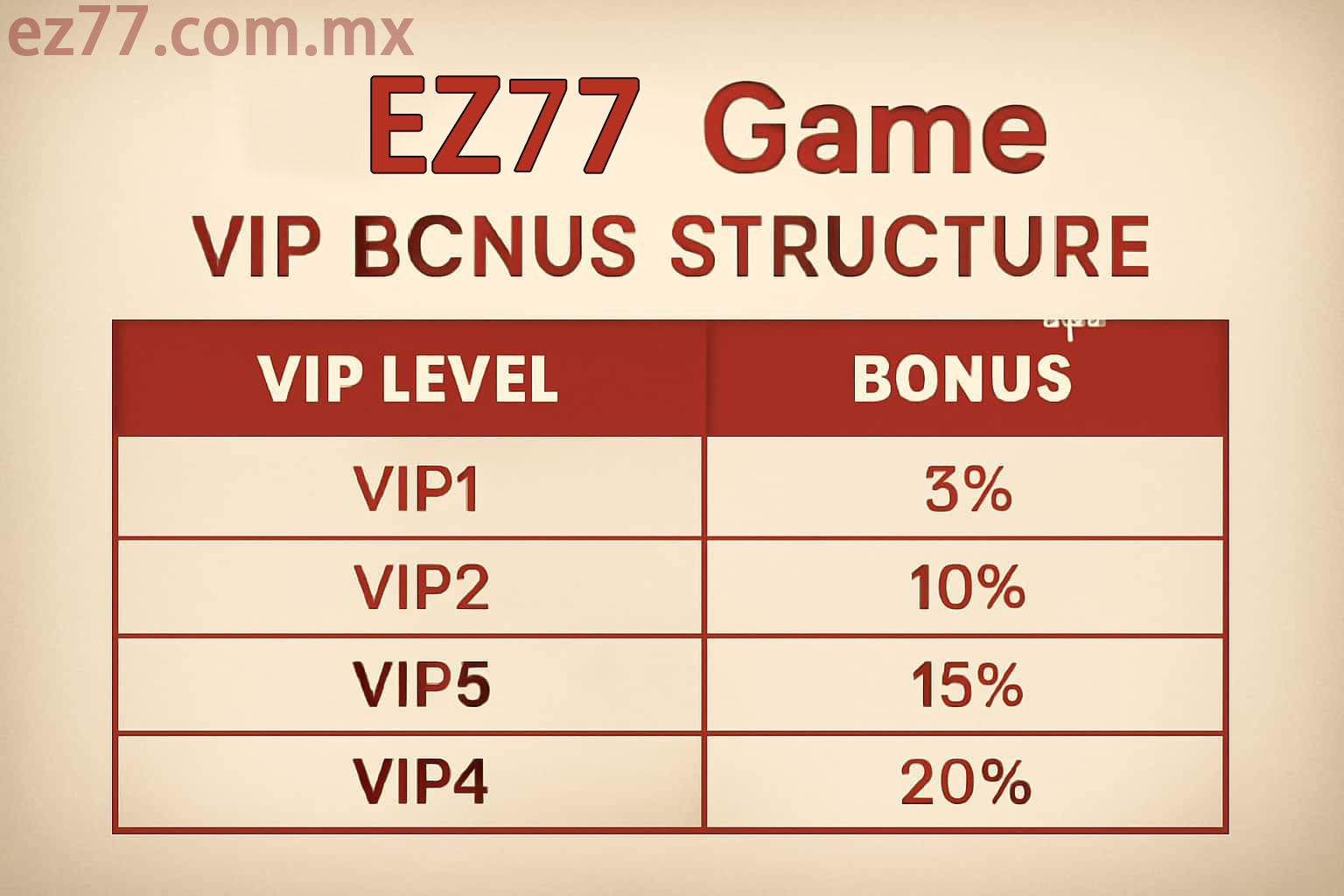
EZ77 VIP membership levels and benefits

EZ77 VIP Levels, Benefits and Member Guide

EZ77 organizes its membership program by level. Progress rules, available perks and renewal dates can change, so check the membership area while signed in rather than relying on an old screenshot.

Moving up a tier may bring access to selected events, a different support route or account-based offers. Open the perk you plan to use and read its date, activation requirement and eligibility notes before making plans around it.

The membership page inside your account shows the latest level and benefit details.

USEFUL CONTEXT

A few points to know before continuing

How Your Level Is Calculated

The level displayed may reflect recent activity, membership history, completed profile checks and qualifying events. The signed-in progress panel is the best place to see what currently counts.

What a Higher Tier Can Change

Depending on the active program, another tier may add member events, tailored offers, selected app tools or a priority help channel. Availability still depends on the account.

Read the Perk Before Using It

Check the expiry date, activation step and usage limits first. A useful member benefit should still fit the time and spending boundaries you have already set.

Joining Member-Only Events

A member event can have its own entry window, scoring method and result schedule. Read that event page in full instead of assuming the standard membership rules apply.

Make a Support Request Easy to Follow

When a priority route is available, include the time, page name and one focused screenshot. A short, specific explanation is usually easier to investigate than several partial messages.

If a Benefit Is Not Visible

Confirm the current level, profile status, campaign dates and any join button. If those points match, send support the perk name and the screen where you expected to find it.